Collections
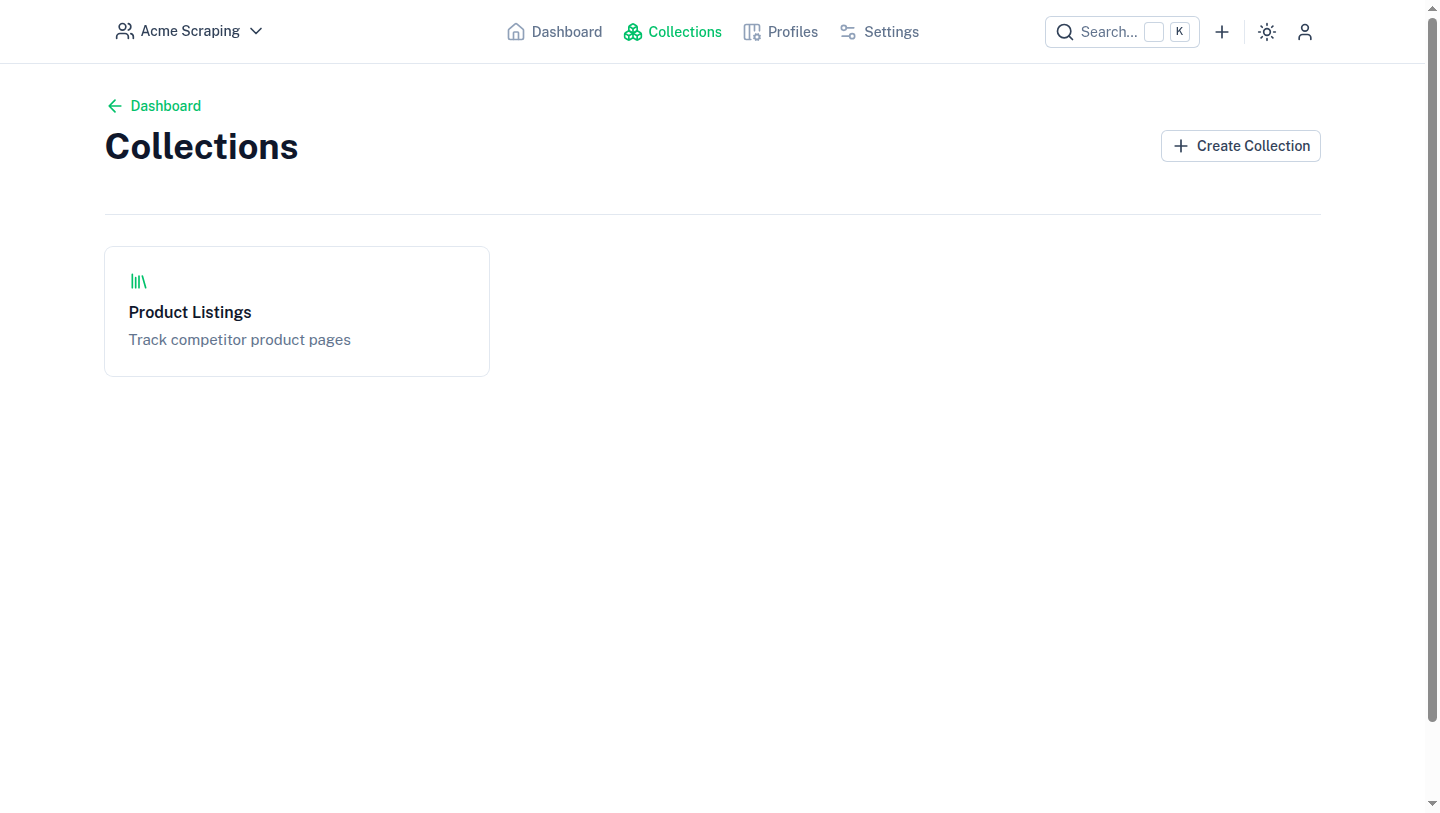
Collections are a way to group and manage multiple scraping tasks or other collections in a single configuration.
A collection groups collection entries — and optionally other, nested collections — under a shared name, icon, and default profile. Use collections to organize related scraping tasks, for example one collection per site you monitor.
Fields
- Name — required, shown in navigation and entry lists.
- Description — optional, free text.
- Icon — an Iconify icon name, picked with the
IconInputcomponent. - Parent collection — optional; leave empty to create a top-level collection, or set it to nest this collection under another one.
- Profile — an optional default profile used by entries created in this collection when they don't set their own.
- Default cron expression — an optional cron expression used as the default schedule for new entries created in this collection.
Managing a collection
From a collection's page you can:
- Add Entry — create a new collection entry in this collection.
- Add Sub-collection — create a nested collection using this one as its parent.
- Edit Collection — update the name, description, icon, profile, or default cron expression.
- Delete Collection — remove the collection. Deleting a collection does not delete its entries' underlying data, but the collection and its direct references are removed.
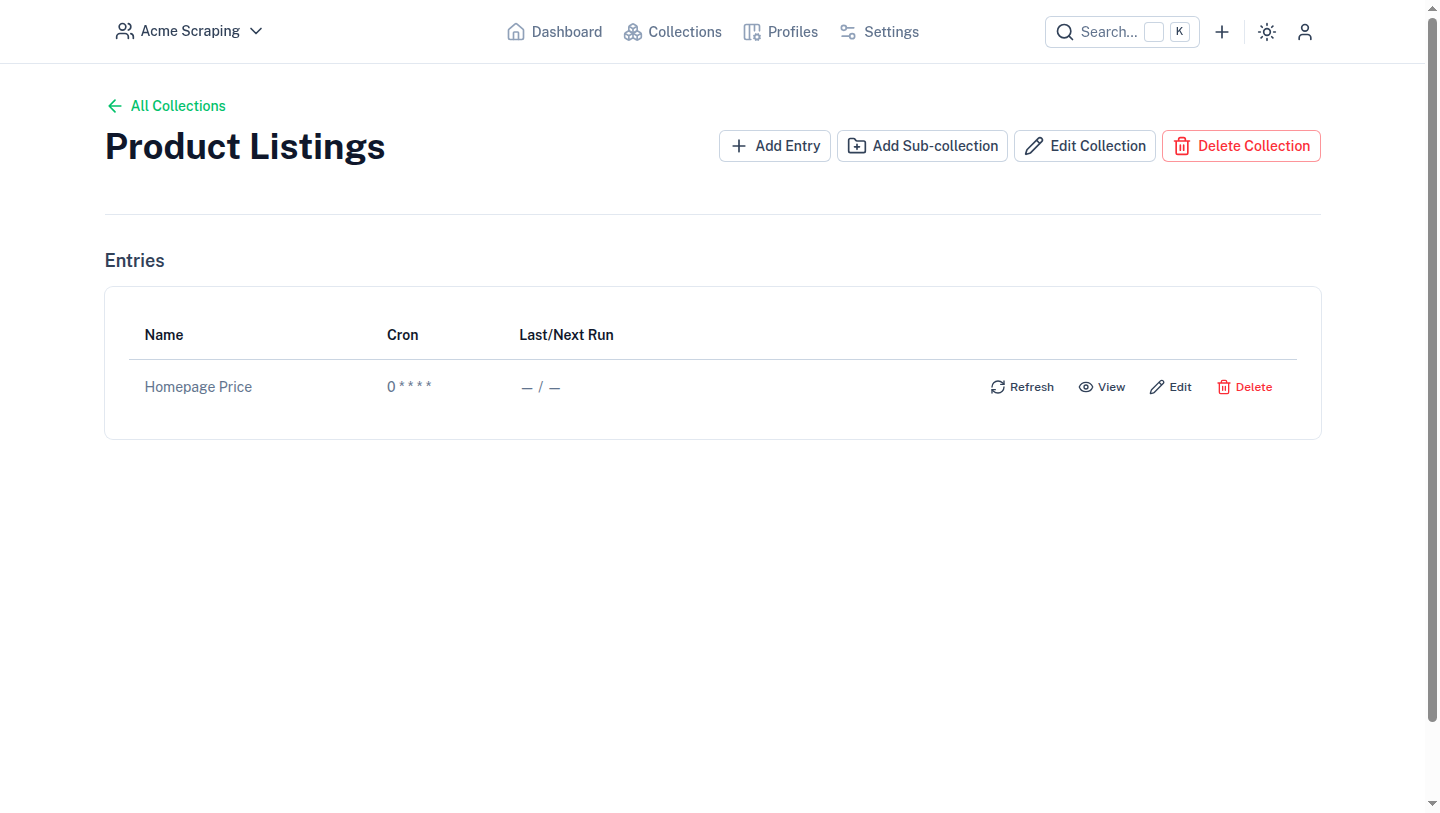
Each row in the entries table links to the entry's collection entry actions: refresh, view, edit, and delete.